The new iPhone 17 series packed with exciting new features, improved performance, and advanced tools to elevate your smartphone experience. But with all these new capabilities, having a clear, comprehensive guide makes a huge difference. That’s why downloading the official iPhone 17 user guide PDF can transform how you use your device every day.
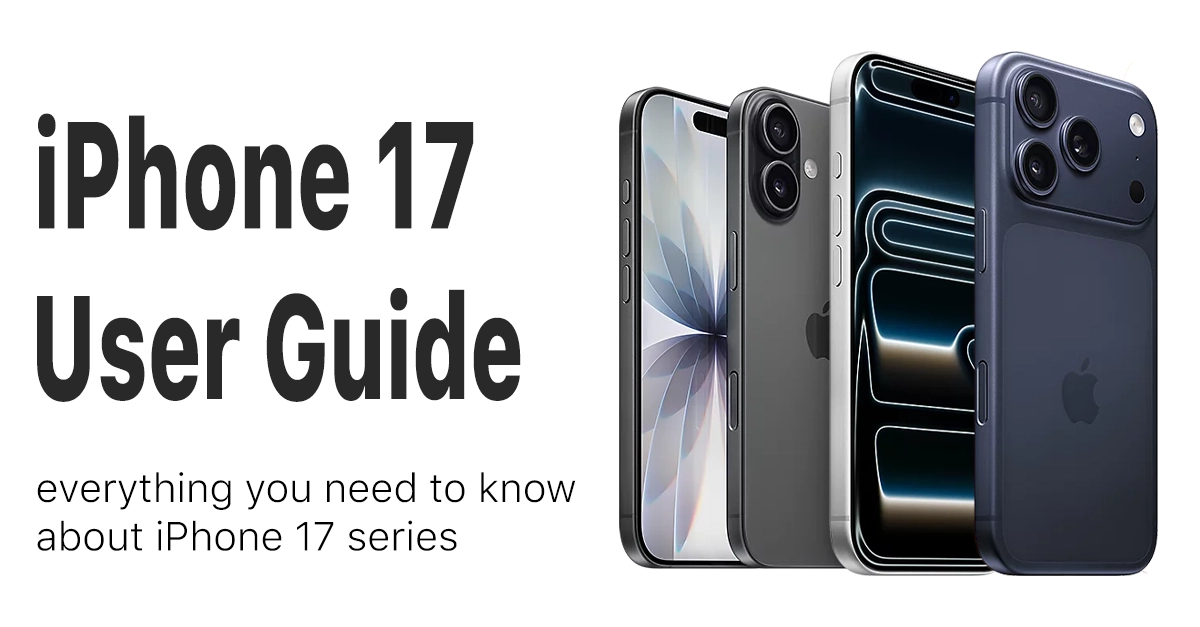
This article dives into why the iPhone 17 manual is essential, what it includes, and how it helps both beginners and experienced users get the most out of their iPhone 17.
How to get and use the iPhone 17 user guide PDF
Apple doesn’t ship printed manuals anymore, but the user guide is available for free in PDF format, linked directly to the iOS version your iPhone runs currently, iOS 26 for the iPhone 17 series. This means the guide suits not only the iPhone 17 but also all iPhones running iOS 26.
To open the PDF smoothly, make sure you have a PDF reader like Adobe Reader installed on your computer or mobile device.
Once downloaded, utilize features like search to quickly find answers or bookmark frequently referenced sections for easy access. For best results, keep the manual open on a secondary device while exploring your iPhone 17 or you can print it directly from your device.
Why you need the user guide for iPhone 17
Apple designed the iPhone 17 user guide to cover everything from basic setup to advanced features, making it the perfect companion for anyone owning an iPhone 17 series device. Instead of guesswork or trial and error, the manual gives you official instructions straight from Apple, saving time and preventing common mistakes.
Whether you’re new to iPhone or upgrading from an older model, the guide walks you through turning on your device, signing in with your Apple Account, connecting to Wi-Fi, and moving your data smoothly with iCloud backup.
It even covers essentials like making calls, sending messages, and downloading your favorite apps. You’ll not only get familiar with the basics but also discover hidden gems like customizing haptic feedback or using Back Tap for quick app launches.
You can also record your screen activity to send to friends or communities, or simply show off on your social media.
What’s inside the iPhone 17 user manual
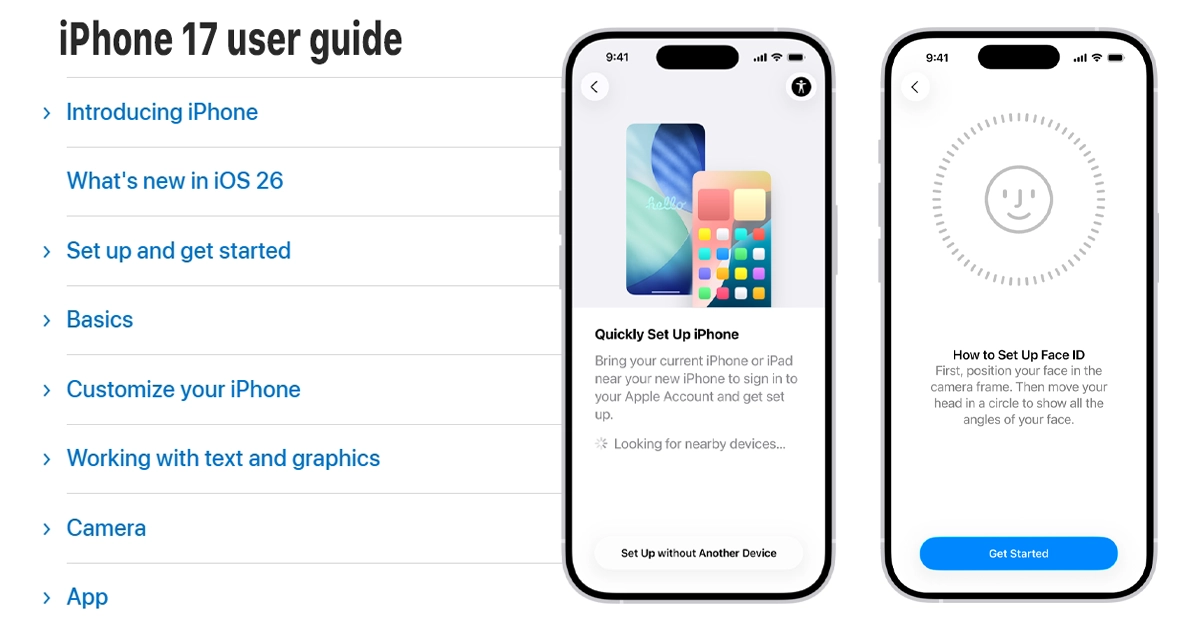
The iPhone 17 manual PDF goes way beyond the basics. It includes detailed sections on:
- Using Face ID and setting up security features like Stolen Device Protection.
- Managing storage and optimizing battery health.
- Exploring new Apple Intelligence tools such as system-wide writing assistance enabling ChatGPT feature and also smart photo cleanup.
- Advanced camera controls and tips for better photos.
- Accessibility options to tailor your device to your needs.
- Troubleshooting common problems like connectivity issues, app crashes, or slow performance.
This manual is designed not just to help you understand the device but to boost productivity and protect your privacy by guiding you through advanced settings and permissions. It’s like having an expert in your pocket helping you unlock the full potential of your iPhone 17.
Benefits of reading the iPhone 17 manual
Reading the official user guide does more than just answer questions—it empowers you to:
- Use your iPhone 17 more efficiently and save time daily through smart features.
- Protect sensitive personal data with robust privacy and security settings.
- Customize and personalize your device exactly how you want it.
- Troubleshoot issues yourself without needing costly repairs or support calls
- Discover lesser-known features that enhance your device’s performance and usability.
For example, did you know you can now send RCS messages or set custom ringtones easily? Or how to print photos directly from your iPhone? The manual explains all this and much more with clear, beginner-friendly steps.
Final thoughts on the iPhone 17 manual
If you own an iPhone 17 or any model in its series, grabbing the official user guide PDF is a no-brainer. It transforms your experience from just using a phone to mastering a powerful smart device tailored to your lifestyle.
Whether setting it up for the first time or unlocking advanced features, the manual ensures you never miss a beat. Plus, it’s free and regularly updated to keep pace with new iOS enhancements.
Download your iPhone 17 user guide PDF today and start exploring everything your device has to offer with confidence.
Thank you so much for this manual and guide. As a senior, this will help me tremendously as I learn my new IPhone 17 Pro Max. I very much enjoyed your article and look forward to reading the manual.
i tickle littles sometimes so im glad you helped me get in contact with them